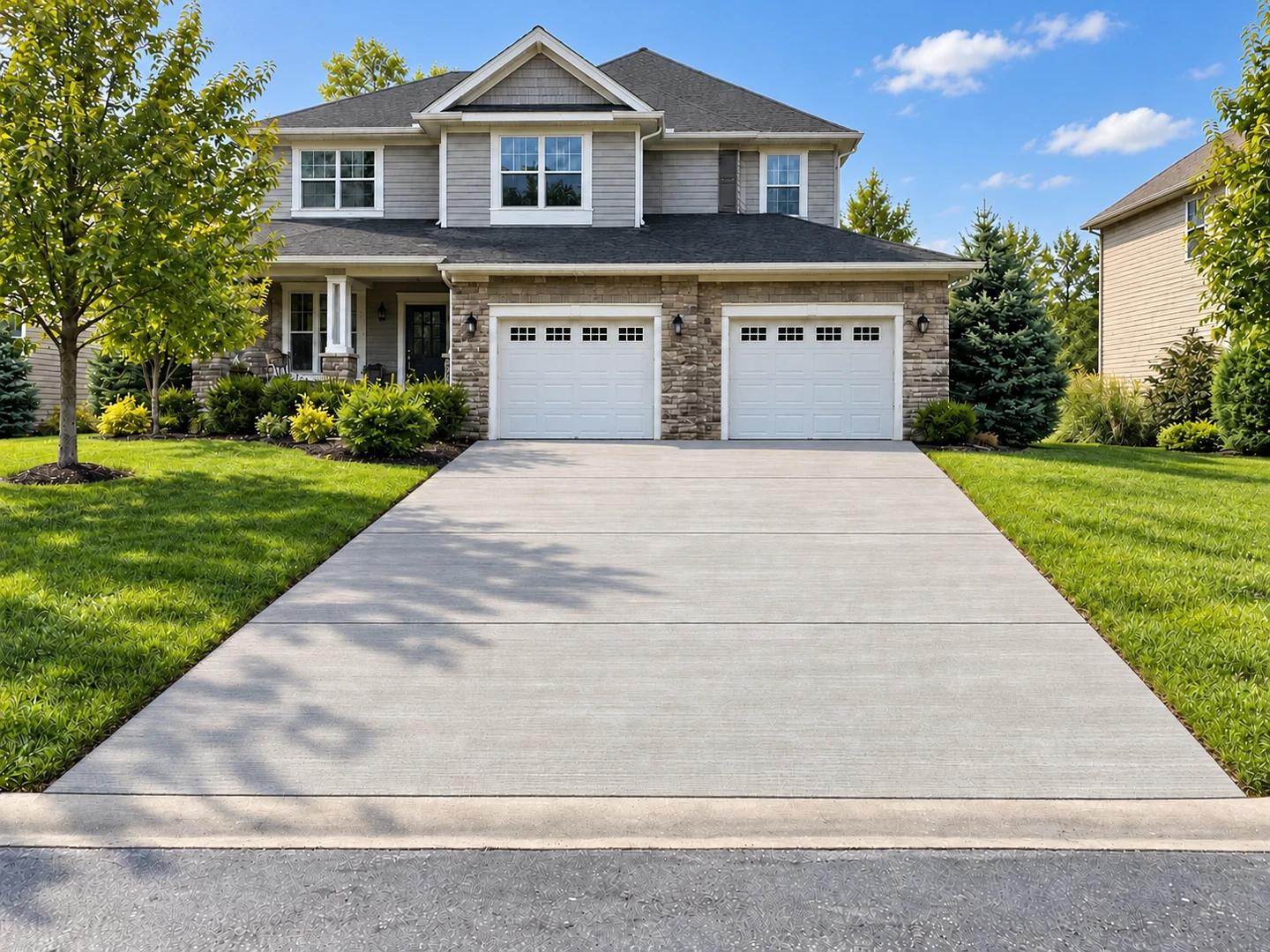
Broom-finished concrete
Fine, parallel brush lines give concrete a simple, textured look.
Explore this finish
Your property. A new possibility.
See the possibilities before you build.
Picture a fresh look for your driveway, patio, walkway or pool deck. Start with your photo and explore a concrete finish on your own property.
Start with your photo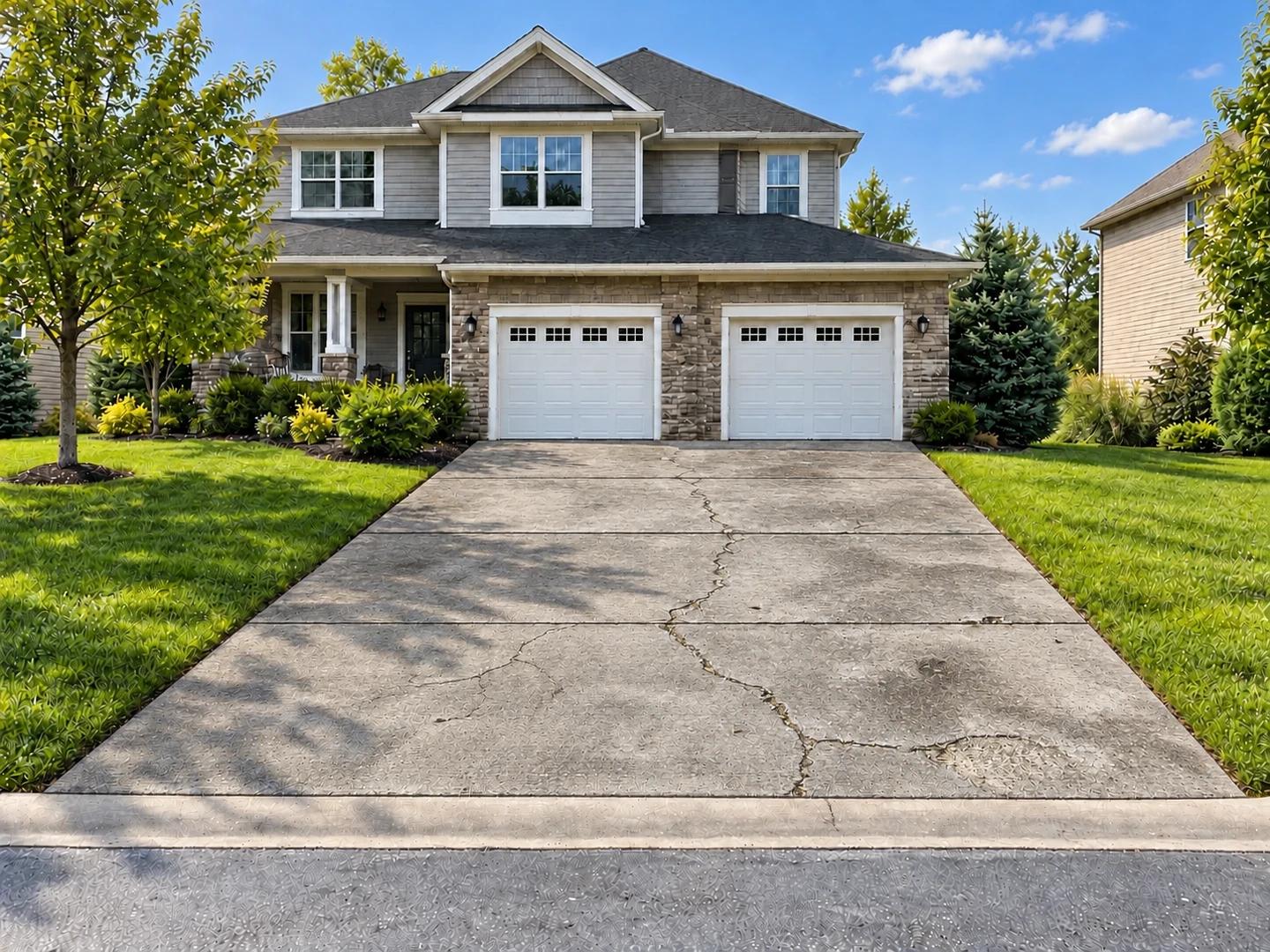
Fine, parallel brush lines give concrete a simple, textured look.
Fictional sample property. AI-generated concept, not a finished project.
Your own property photo
Explore concrete finishes
No account needed
You choose the next step
A project starts with a picture
Choose a clear property photo with the project area in view.
Select the driveway, patio or other area you want to explore.
Choose a finish, then provide your contact details and permissions before requesting your conceptual preview.
Pick your look
Same property. Three different directions for your concrete.
Fine, parallel brush lines give concrete a simple, textured look.
Explore this finish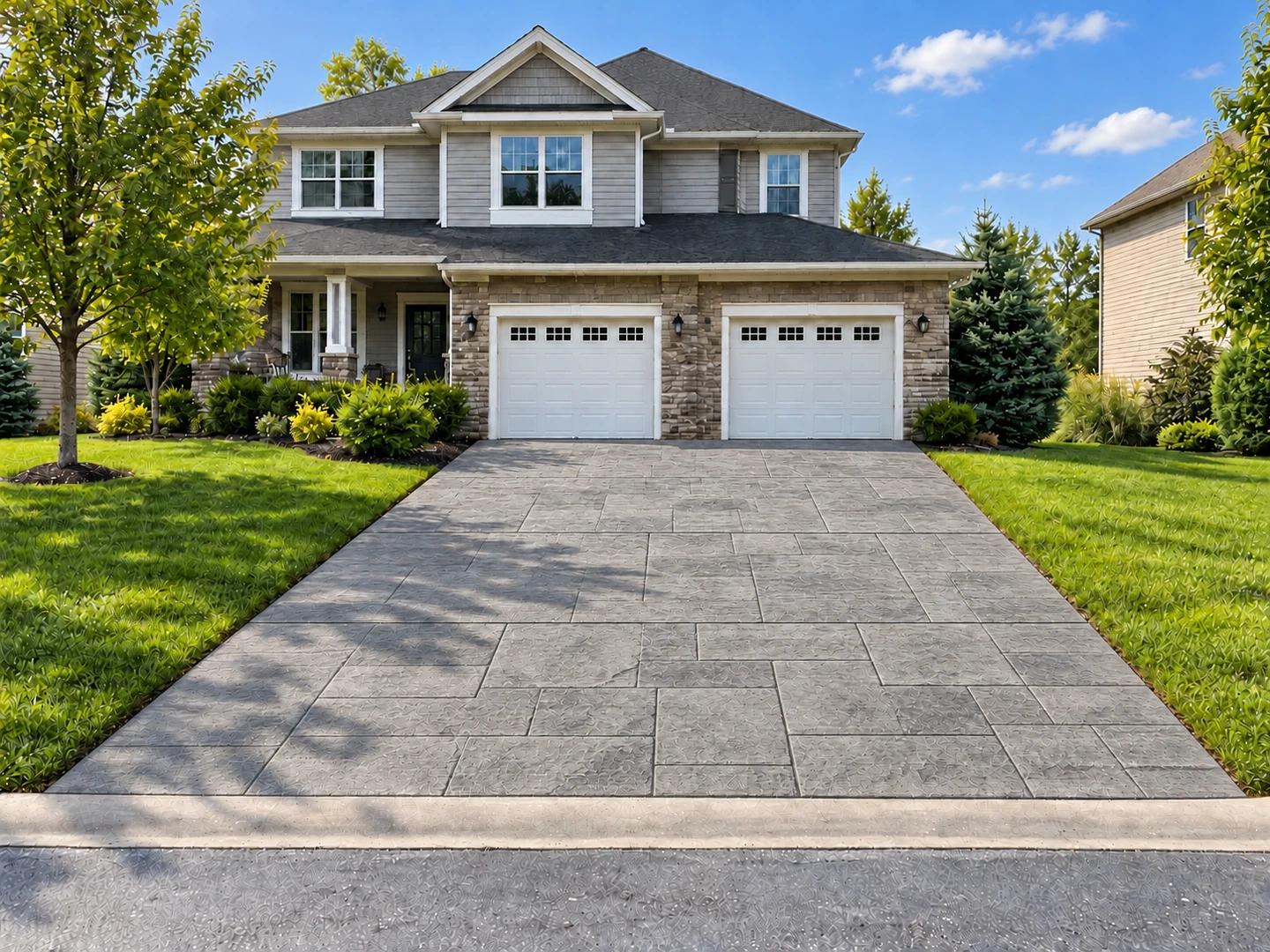
A pattern pressed into concrete creates a stone-like look. This example uses an ashlar slate pattern.
Explore this finish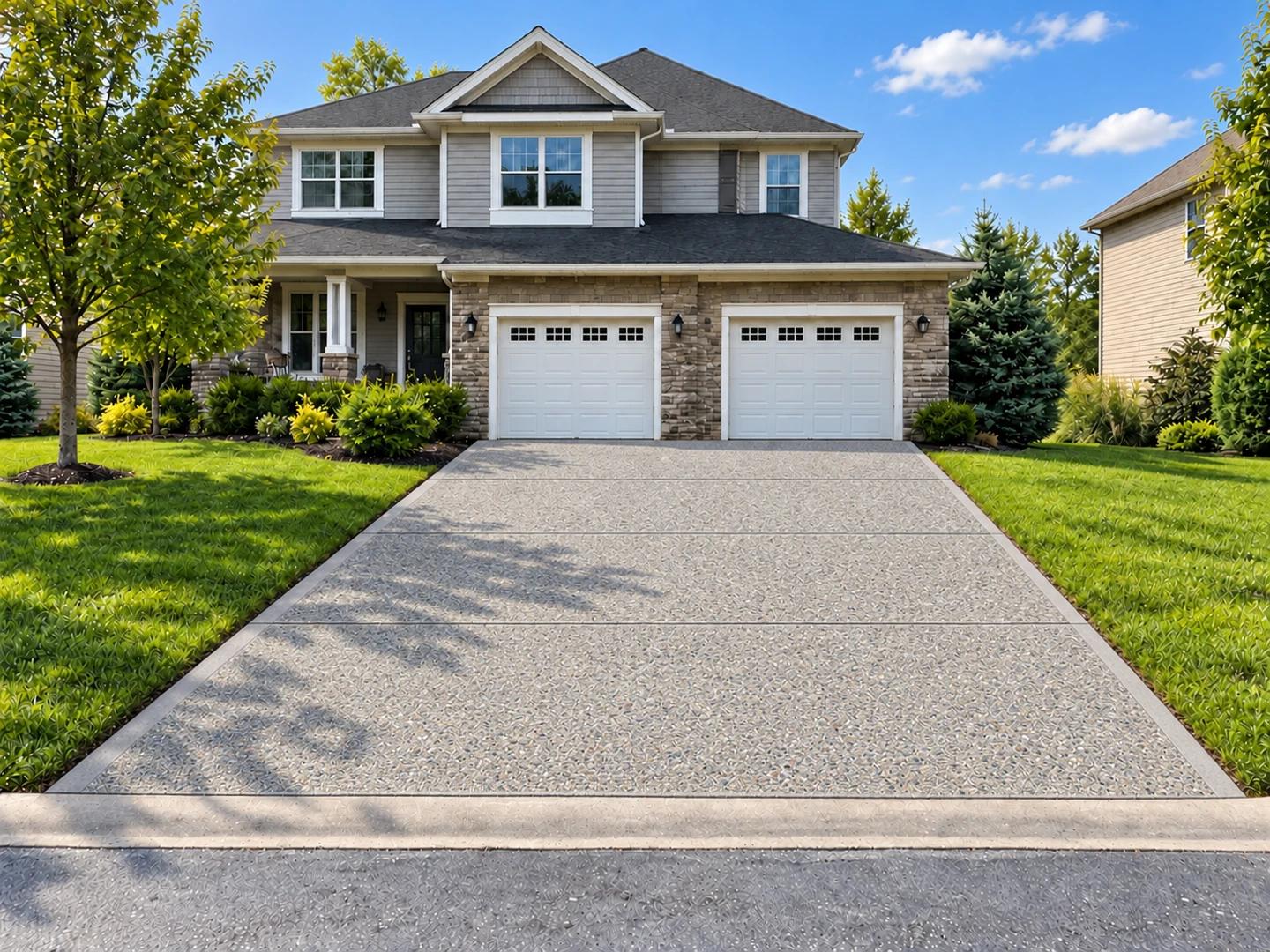
Small decorative stones are revealed at the concrete surface for a pebbled, textured look.
Explore this finishPlan with more confidence
A visual direction first. A site-specific conversation before you build.
Look beyond the finish: shape, vehicle access and the conversation to have before an estimate.
Explore the guide FinishesUnderstand the visual difference between a broom texture, a smooth surface and a stamped pattern.
Explore the guide Patios & walkwaysUse furniture, doors and the surrounding yard to narrow your visual direction before a site visit.
Explore the guideBefore you begin
Use a clear JPG, PNG or WebP, up to 8 MB, taken from a safe position. Include the whole area you want to change. Avoid people, license plates and unnecessary identifying details.
No. The image is a conceptual illustration. A contractor must check the property, drainage, dimensions, construction requirements and available materials.
No. Project size, access, removal, preparation, finish and local conditions affect a quote. Use your visual direction to explain what you have in mind.
After choosing your project area and finish, the workspace shows the contact details and consent needed for the available preview service. Selecting a local photo alone does not send it.
Availability depends on the active workspace and its capacity. The form shows the current service before you request a preview; there is no guaranteed instant turnaround.
Start with a photo and see where your project could go.
For concrete contractors
Explore a Visualizer installation for your website, with a workspace for your project inquiries.